 15s · 720p · 9:16Original AI music · fictional adults
One portrait. The lead is yours.
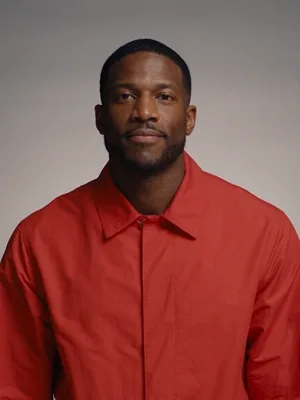
A solo performance across five shots: opening vocal, band, a laughing close-up, saxophone and finale. Made from the red-shirt portrait shown above.
Your own Tiny Desk concert, from one photo.
Upload one portrait and take the lead in a concert with newly generated AI music: you sing, the band joins in, you laugh, the sax gets its turn and everyone lands the last beat. Watch the first 5 seconds free; $4.99 unlocks the full 15-second video.
One clear adult portrait. We build the concert around your photo.
No sign-in needed. Try 2 previews free; $4.99 unlocks one full video.
Two actual video tests, with the portraits that went in. Play either result with sound and compare the faces yourself.
15s · 720p · 9:16Original AI music · fictional adultsA solo performance across five shots: opening vocal, band, a laughing close-up, saxophone and finale. Made from the red-shirt portrait shown above.
 8s · 720p · 16:9Original AI music · fictional adults
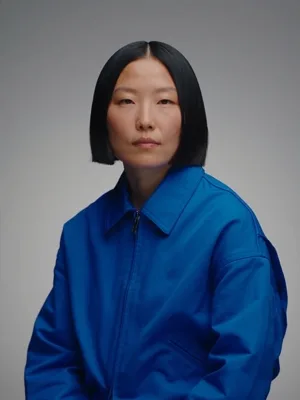
Our earlier continuous-shot test maps one portrait to the singer and another to the keyboard player. The sax player is generated. This is a separate test, not a second solo template.
Follow the same lead through the 15-second solo test. These are frames from the video above, so you can inspect the cuts before pressing play.
Five frames from one render—not five separate results. The music and choreography are generated; this is not an exact reproduction of the Outstanding original.
The joke lands when everyone in the chat knows the singer. A few people worth putting at the front of the band.

Make the guest of honour the lead, then post it before the cake comes out.
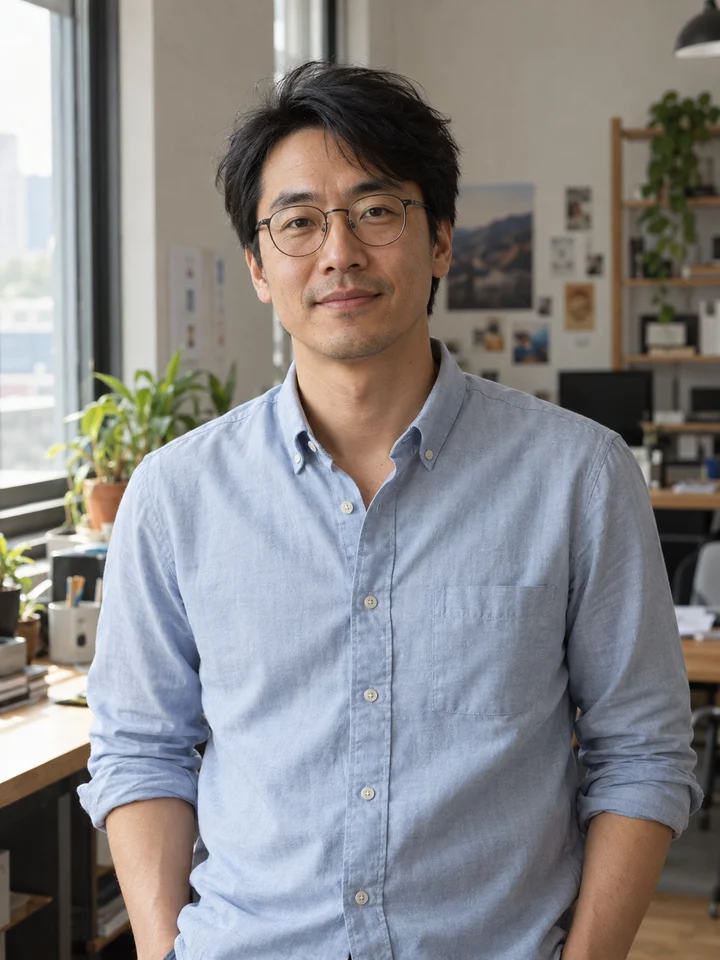
A send-off for the coworker who always controlled the office playlist.
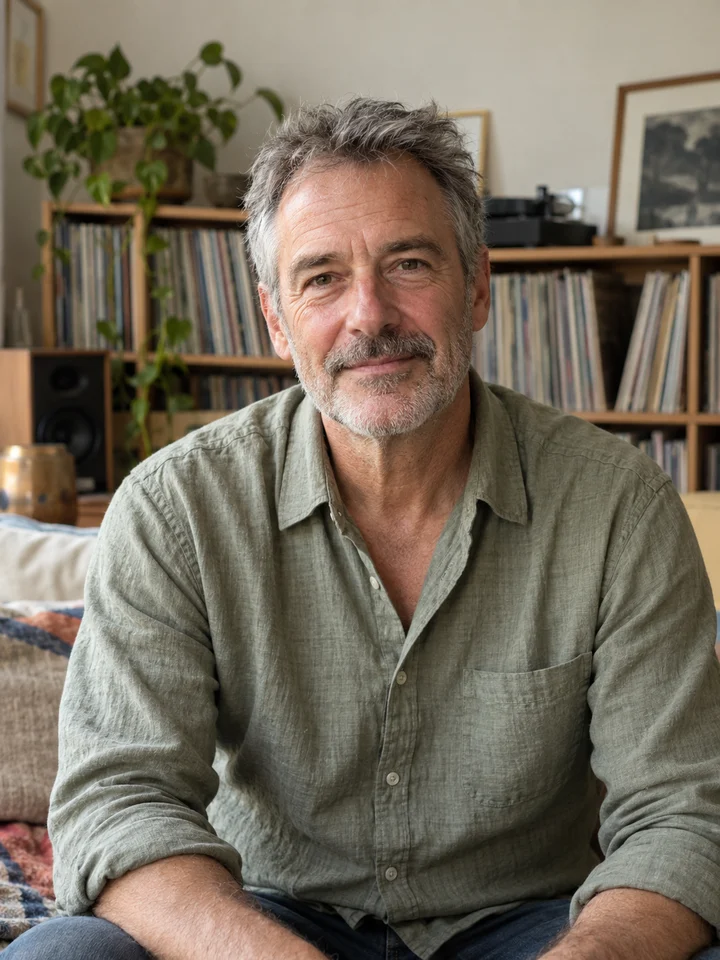
For the parent who sings every chorus in the car, slightly too loud.
Finally, footage that proves who fronted the group all along.
Casting portraits are AI-generated fictional people, not customers or results. The two renders above are the only actual outputs so far. Only cast yourself or an adult who agreed to appear.
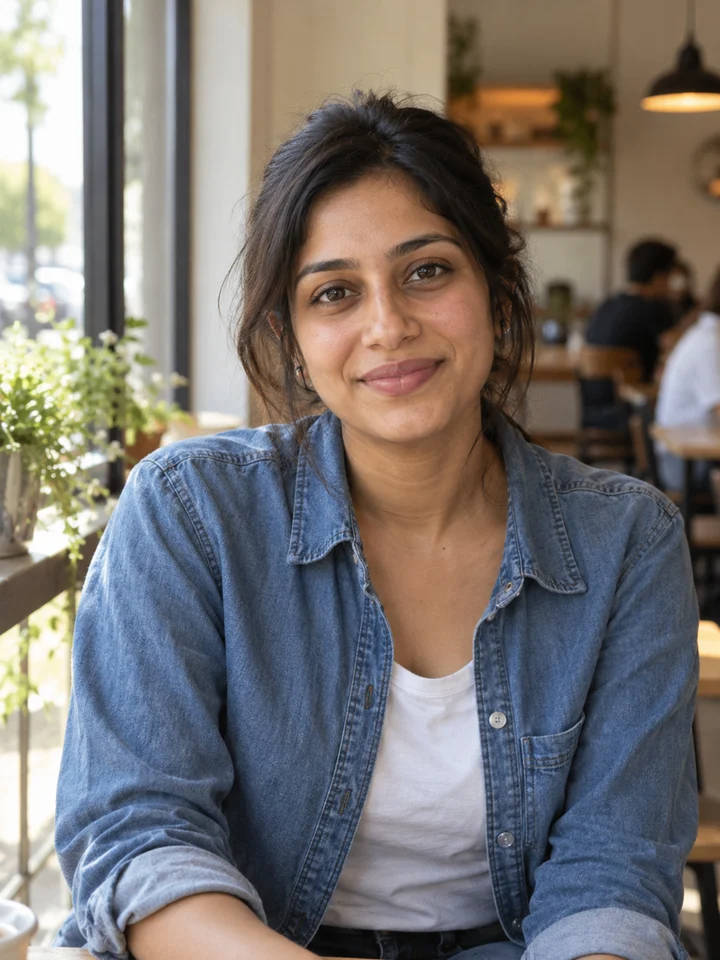
Cast your leadThe model only knows the face it is given. One clear, front-facing portrait does more than a perfect outfit or a fancy background.
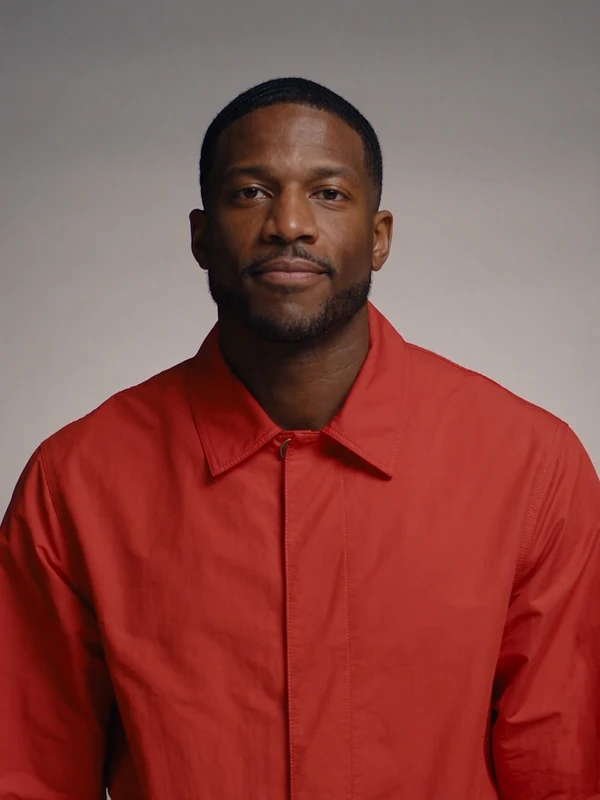 Facing the camera, eyes visible
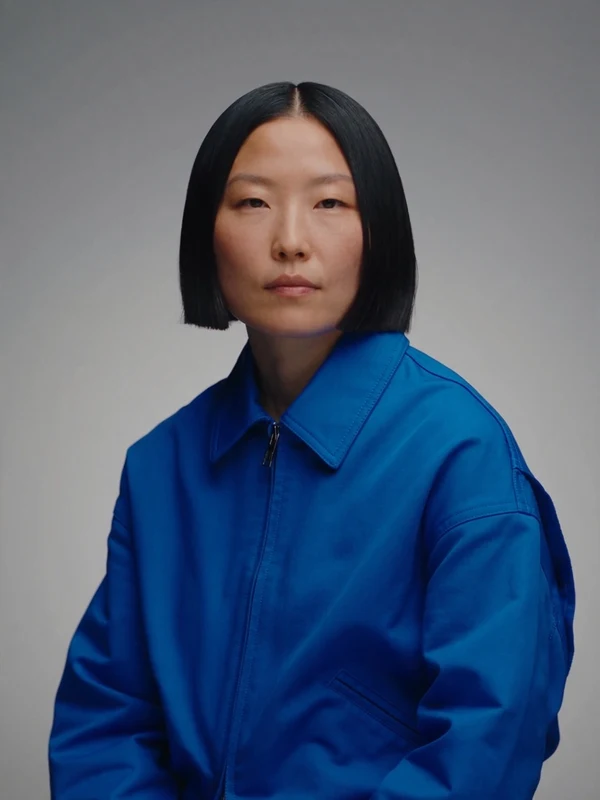 Even, soft light on the faceHead and shoulders fill the frame
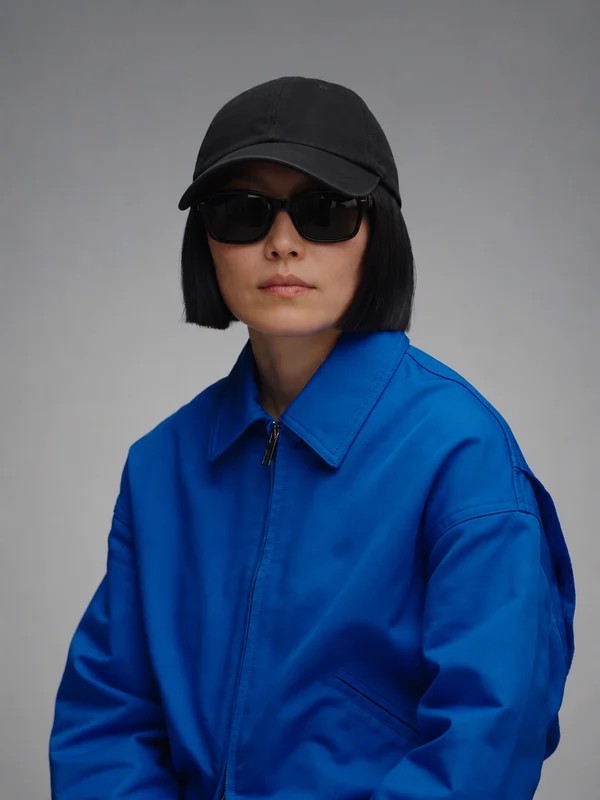 Sunglasses or a low cap
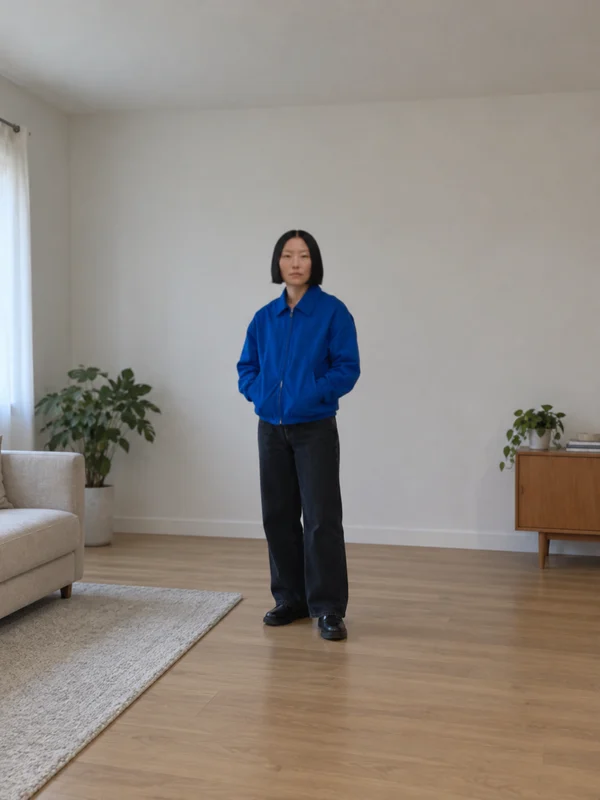 Tiny, far-away or blurred faces
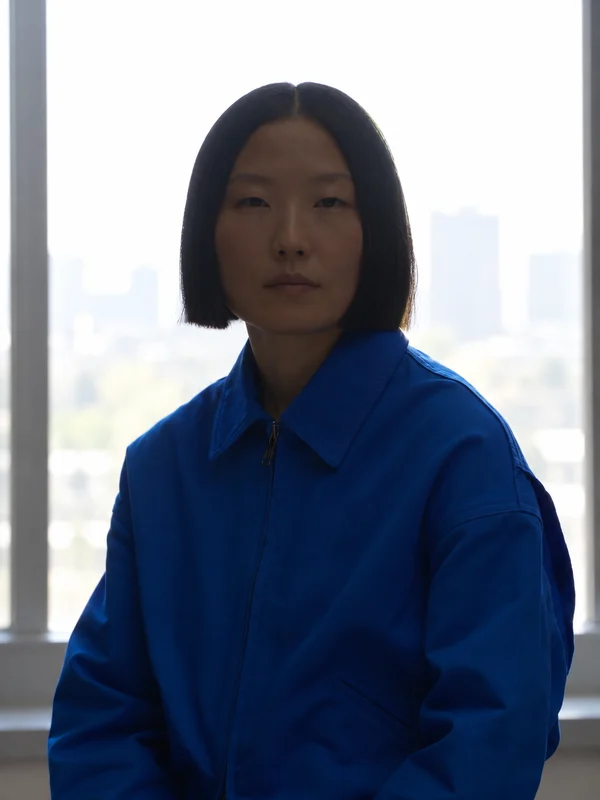 Backlit or very dark
The first two portraits are the actual inputs behind the renders above; the rest are AI-generated examples. Photo preparation checks file type, size and dimensions, not likeness or consent. JPG, PNG or WebP, up to 10 MB.
Choose yourself or an adult who agreed to appear. A sharp face matters more than a perfect outfit.
Your photo supplies the lead singer. The concert setting and backing musicians are generated around that person.
Review every shot and download your result. Use audio you have permission to share and label AI content.
Try two free previews, each showing the first five seconds of your own concert. Unlock one full 15-second video for $4.99, with no preview watermark, MP4 download and an emailed private download link. No sign-in or subscription required.
The Outstanding Tiny Desk meme is about the casting: someone familiar, a joyful performance, and a memorable laugh. Make your own solo-led AI concert with an original soundtrack; exact expressions and cuts can vary.
Watch the viral AI parodyTiny Desk AI is a photo-to-concert video project: a portrait supplies the lead performer, while a generated room and backing band supply the setting. The result is a short performance you can recognize, watch with sound and share with friends. It is useful when the funny part is who appears in the band, rather than a complicated story or a full music video. You do not need a microphone, a rehearsal space or a photograph of yourself already performing.
There are two different ideas behind this search. An original desk concert creates a new performance with its own music and movements. The Outstanding version refers to a particular familiar meme, with recognizable expressions and cuts. Check which result a tool actually demonstrates before choosing it. Our public examples show original AI-generated videos. They establish that a portrait can become a performer, but they do not establish an exact recreation of the original Outstanding recording. The current release status appears beside the upload button, so you can see whether new generations are available before taking another step.
Compare the actual input and outputThe generator focuses on a solo cast. That means one uploaded person takes the lead role; it does not mean the video contains only one musician. A keyboard player, backing performers and a saxophone player complete the scene. This approach lets you make a personal concert without collecting separate photographs from an entire group. For example, the person celebrating a birthday could be the lead, while the rest of the band comes from the template. That is a possible use for the format, not an additional birthday feature or a promise of custom lyrics.
Only one uploaded person takes the lead. Other musicians are generated rather than chosen from separate photos. A group recast would need multiple references and role controls, which this tool does not provide. For the best input, choose a head-and-shoulders portrait with one clearly visible face instead of a group photo. The same person should remain recognizable through the preview, but AI can still change small facial details, clothing or movements. Review the actual preview before deciding whether to unlock that video.
Explore the solo Outstanding templateChoose a recent, sharp portrait with the face looking toward the camera and the eyes clearly visible. Even light makes facial features easier to distinguish than a strong shadow across half the face. Avoid sunglasses, a covered mouth, a heavy beauty filter or an image where the face occupies only a tiny corner. A simple head-and-shoulders photo is a sensible starting point. There is no need to add stage equipment or replace the background yourself. Use a photo of yourself or an adult who has agreed to appear.
The upload accepts JPG, PNG and WebP files up to 10 MB. Local preparation checks image readability and dimensions before generation. This is not an identity-verification service, and a successful upload does not guarantee that the provider will accept the image or preserve every facial detail. After selecting a file, inspect the thumbnail and use the replacement control if you picked the wrong photo. Selection prepares the image locally; starting a generation is the step that sends it to the provider. Review the first five seconds free before choosing whether to pay for the full result.
Read the photo-to-video walkthroughThe appeal of Outstanding Tiny Desk is the performance sequence as much as the face. A short opening vocal establishes the lead. A wider band shot shows everyone enjoying the moment. The close-up delivers a big grin or laugh, the saxophone gets a turn, and the final shot brings the group back together. Those changes create a recognizable rhythm. A single static shot of someone standing near a bookshelf may look pleasant, but it does not demonstrate that whole sequence.
The published solo example shows five shots across fifteen seconds: an opening close-up, the band, the laughing lead, a saxophone close-up and the band again. Its actual file is 15.04 seconds at 720 by 1280 pixels with audio. It demonstrates one fictional adult reference in a complete concert; it does not guarantee identical cuts for every new generation. Compare the visible face and clothing in your own preview with the photo you supplied. Later scenes become available after unlocking the same completed video, without a second generation.
Understand the original concert and the memeAn AI Tiny Desk concert should be judged with sound on as well as off. A performer can look convincing in one frame while the mouth movement, vocal timing or instrumental playing feels wrong during playback. The current samples use original AI-generated music. We do not currently include or license the original Outstanding recording. If your goal depends on that exact soundtrack, take that difference into account before deciding whether an example matches what you want. Replacing audio later also does not automatically make the mouth movements match the new words.
Choose a fifteen-second HD concert with sound in 9:16 portrait or 16:9 landscape before generating. Portrait suits phone feeds and stories; landscape gives the band more room on wider screens. Native dimensions can be rounded by the generator, and the player preserves the whole image inside the selected frame. Your free preview, unlocked video and downloaded MP4 keep the same selected format. The earlier eight-second landscape sample is a historical comparison, not the duration of a new order. Changing format requires a separate generation.
Watch the 15-second vertical testBefore paying for any tiny desk concert AI tool, look for a complete sample rather than a single flattering still. Compare the source portrait with the person in the video. Then watch the transitions: does the face remain recognizable, do the clothes stay consistent, and do the band members keep their roles? Check the laughing close-up and the saxophone mouthpiece in particular. Also confirm the delivered duration, aspect ratio, watermark policy, soundtrack and download access. These are concrete differences that matter more than a broad claim that a model produces realistic video.
Try two outstanding unpaid previews per browser workspace, without signing in. Each preview shows the first five seconds with a watermark. Pay $4.99 once to unlock one existing full fifteen-second video without the preview watermark and download its MP4. There is no subscription, and paying for one video frees a preview slot for another attempt. Enter your delivery email at secure checkout: the full video unlocks here and a private download link is emailed to you. That link lasts thirty days. Free preview availability is subject to daily service limits; unsuccessful previews are not charged.
See pricing and delivery detailsUpload one adult portrait to create a new AI desk concert with that person in the lead, generated backing musicians and original AI music. It is an independent concert parody, not an official NPR recording.
Yes. You can keep up to two unpaid 5-second watermarked previews at a time, subject to trial availability. A $4.99 one-time payment unlocks one full 15-second video and its MP4 download.
No account or voice recording is required to generate a preview or purchase a video. Enter your delivery email at checkout; the private download link works without signing in.
Yes. Choose 9:16 portrait or 16:9 landscape before generating. The preview, unlocked full video and download keep the selected format. Both options cost $4.99 per full video.
No. Payment unlocks the same full video associated with the selected preview. It removes the preview watermark and enables MP4 download rather than starting a new performance.
The generator is asked to preserve the reference face, hair and outfit, but AI can change details. Review the free opening and the public examples. Exact likeness, lip synchronization and original concert choreography are not guaranteed.
A failed preview does not create an unlock payment or fill a personal unpaid preview slot. You can retry while trial availability allows. Daily attempt limits still apply.
After verified payment, the full video unlocks in the studio and a private download link is sent to the checkout email. The email link is valid for 30 days and works without a login.
The video uses original AI-generated music. The purchase does not supply the original Outstanding recording or rights to that recording.
No. Outstanding Tiny Desk is an independent AI video tool without affiliation or endorsement from NPR, Tiny Desk Concerts, Charlie Wilson or The Gap Band.